🧊
极端规模下的内存效率
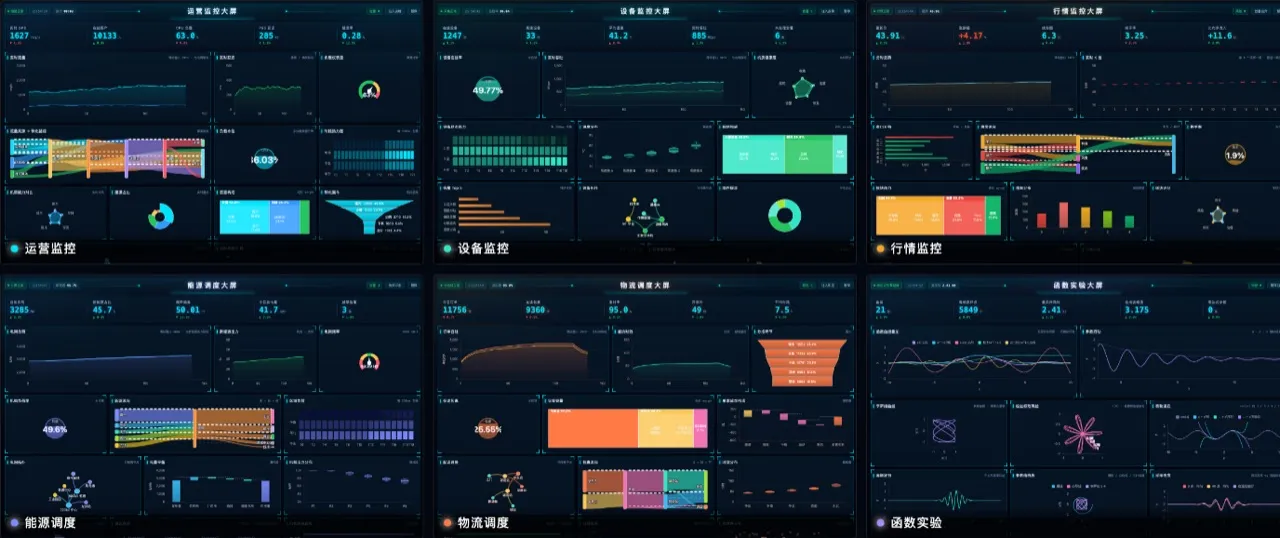
原型继承共享默认 props/state,默认配置零复制(`style` 按主题每实例派生);WeakSet 让挂载 O(1)。 实测 100 万个最小矩形的堆增量约 2.3GB(每图元 2.4KB;把整份默认表显式复制进每个实例约 7.4GB), 构建约 6 秒(2026-09-10 示例页数据)。内存口径与复现方式见「渲染与性能」。
🎯
可证明的局部重绘契约
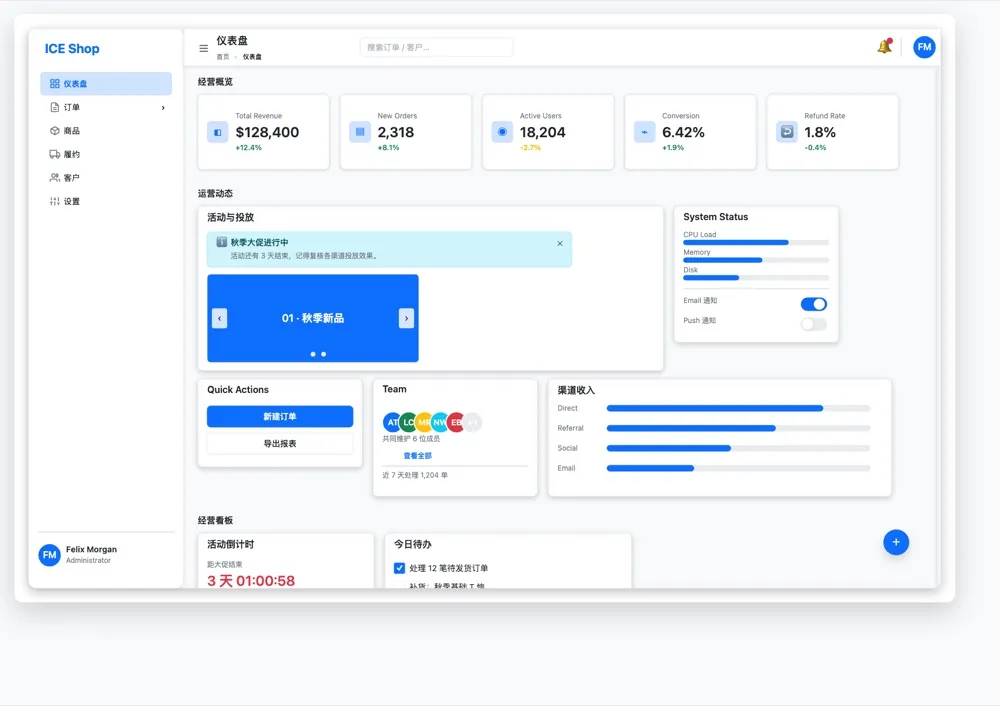
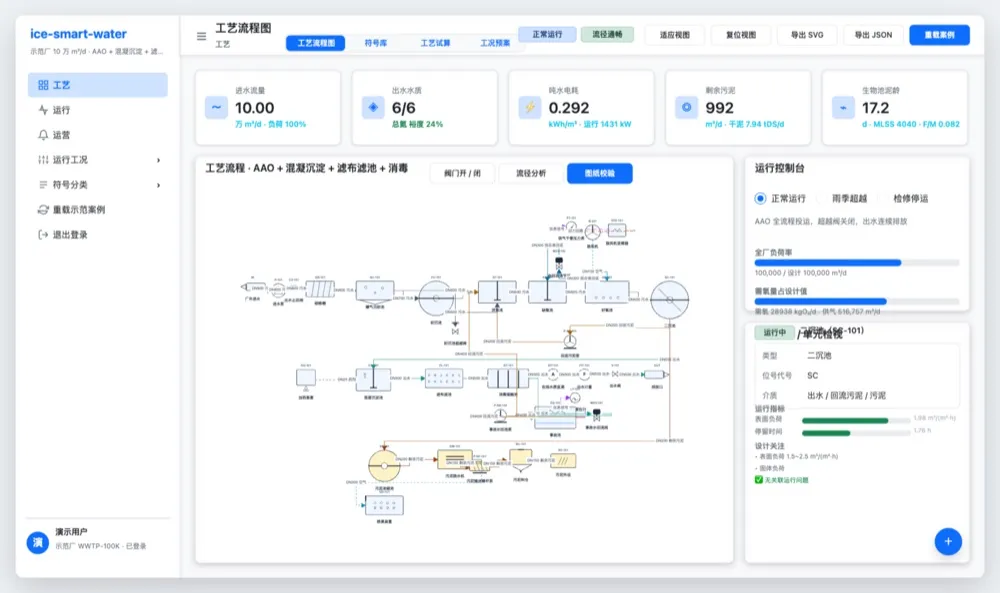
默认脏矩形局部重绘,不满足条件时自动回退全量重绘;golden image 像素一致性回归保障两种渲染路径逐像素一致。组件级离屏缓存、渲染队列缓存、矩阵零分配,5000 图元场景实测约 2.2ms/帧。
❄️
小程序一等公民
cross-platform 适配层收敛全局对象,无 Path2D 运行时自动降级(PolyfillPath2D)且逐像素一致;字体、图片、离屏画布、dpr 全适配。ICE.init(ctx) 可直接传上下文,绕开 DOM。
🤝
无缝对接 AG-UI
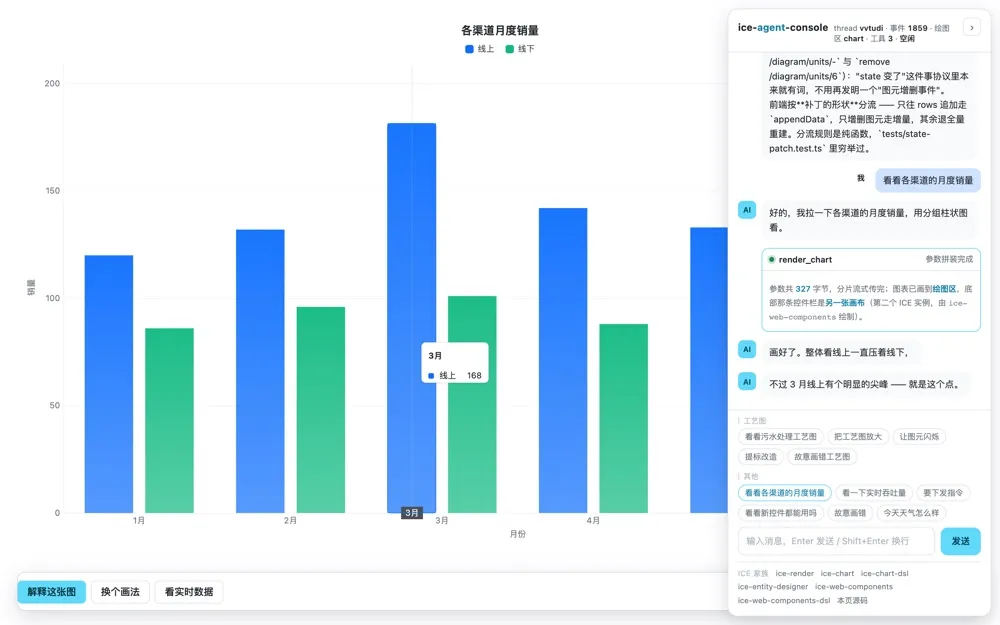
原生对接 AG-UI 协议:Agent 的事件流(run started / text message / tool call / state delta …)直接增量驱动 Canvas 渲染,绘图区即页面主体,无需手写胶水代码。可运行样例见 ice-agent-console,接入方式见 DSL 与 AI Agent 接入。
快速上手
npm(ESM)
import { ICE, ICERect } from 'ice-render';

const ice = new ICE();
ice.init('canvas-1', { renderMode: 'dirty-rect' });

const rect = new ICERect({
  left: 100, top: 100, width: 160, height: 90,
  style: { fillStyle: '#4dd0e1', strokeStyle: '#006064' },
  draggable: true,
});
ice.addChild(rect);
UMD(script 标签)
<script src="https://unpkg.com/ice-render/dist/index.umd.js"></script>
<script>
  const ice = new ICE.ICE();
  ice.init('canvas-1');
  ice.addChild(new ICE.ICERect({ left: 100, top: 100, width: 160, height: 90 }));
</script>